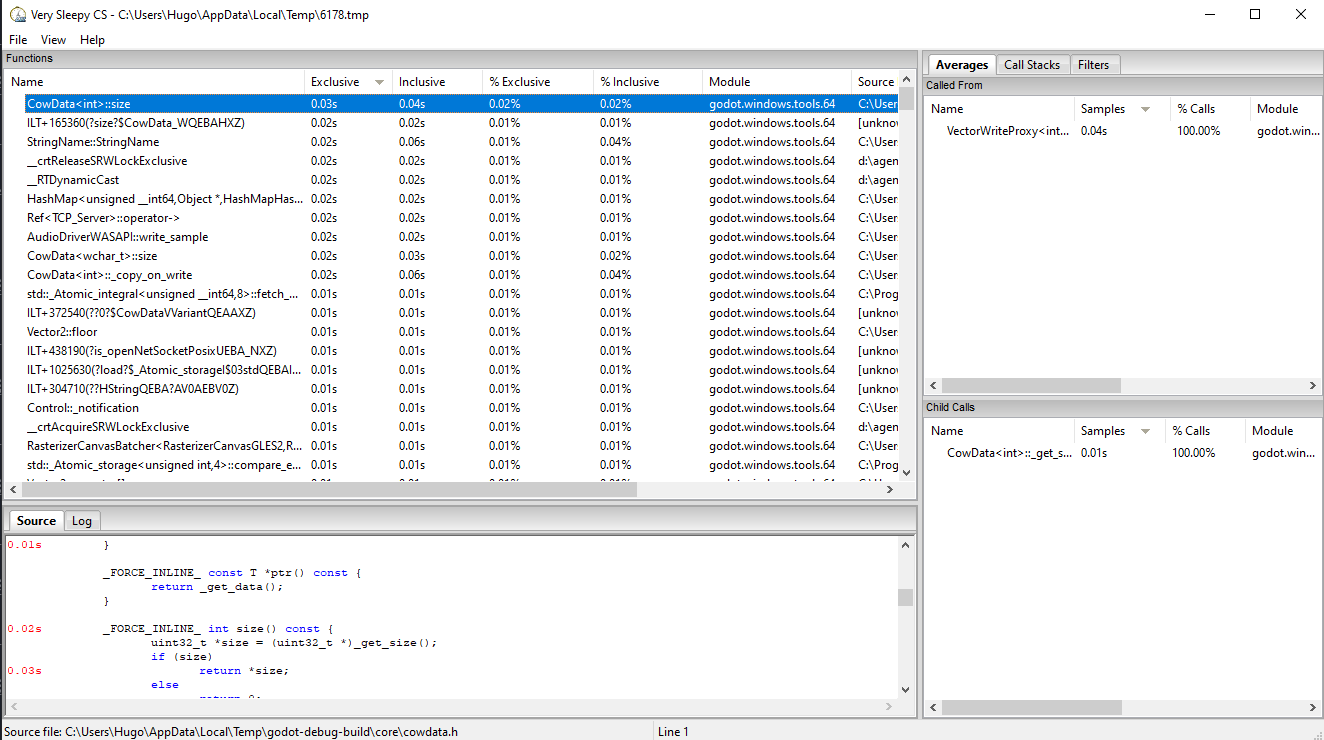
VerySleepy
INFO
Please see the Sampling profilers for more information.
Start the Godot editor or your project first. If you start the Project Manager, make sure to edit or run a project first. Otherwise, the profiler will not track the child process since the Project Manager will spawn a child process for every project edited or run.
Open VerySleepy and select the Godot executable in the list of processes on the left:
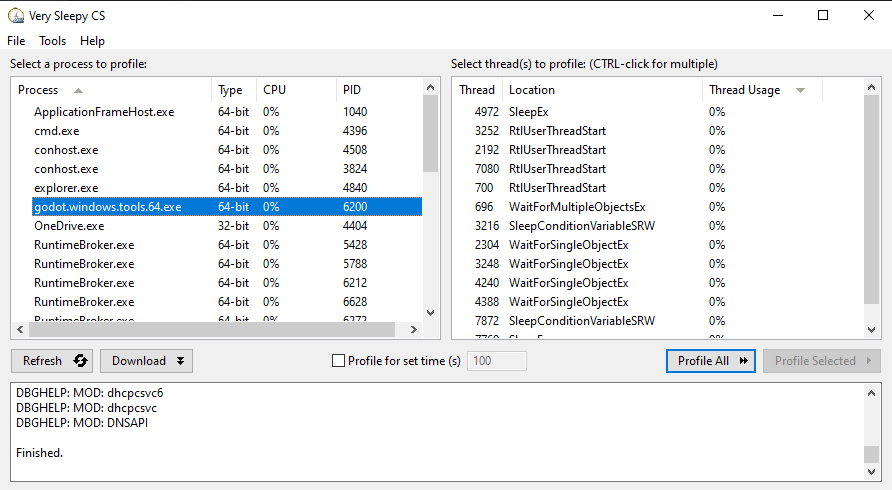
Click the Profile All button on the right to start profiling.
Perform the actions you wish to profile in the editor or project. When you're done, click Stop (not Abort).
Wait for the results window to appear.
Once the results window appears, filter the view to remove external modules (such as the graphics driver). You can filter by module by finding a line whose Module matches the Godot executable name, right-clicking that line then choosing Filter Module to <Godot executable name> in the dropdown that appears.
Your results window should now look something like this: